Engineering case study
Android
Android Password Manager & Authentication
Long-term development and maintenance of an Android password manager, covering Autofill compatibility, data backup, authentication integration, and platform maintenance.
- Platform
- Android
- Project period
- 2022.02–Present
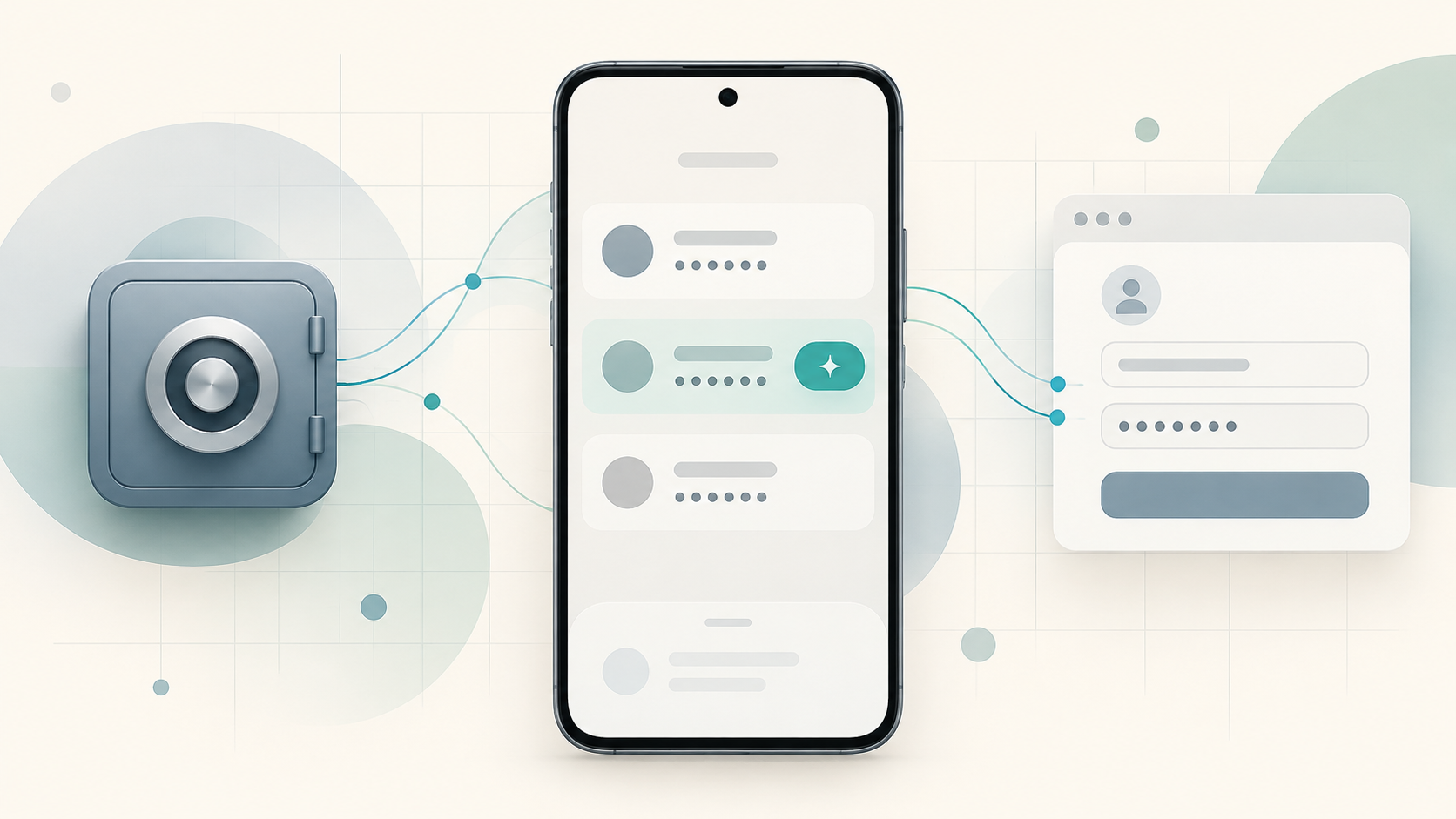
Synthetic Android password management and Autofill cover with a phone, abstract credential cards, and a generic sign-in form
Product Context
Project context
This is an Android password management application that also provides authentication-related capabilities and can act as a QR Code login endpoint for other applications in the same product family.
Account and password data is primarily stored on the user's device. Google Drive backups also include account and password data. The app also integrates Android Autofill, PIN verification, and external authentication components.
The actual product, company, and internal system details have been anonymized in this case study. Internal protocols, server URLs, key-management details, and low-level security implementation are intentionally omitted.
Constraints
Problem & constraints
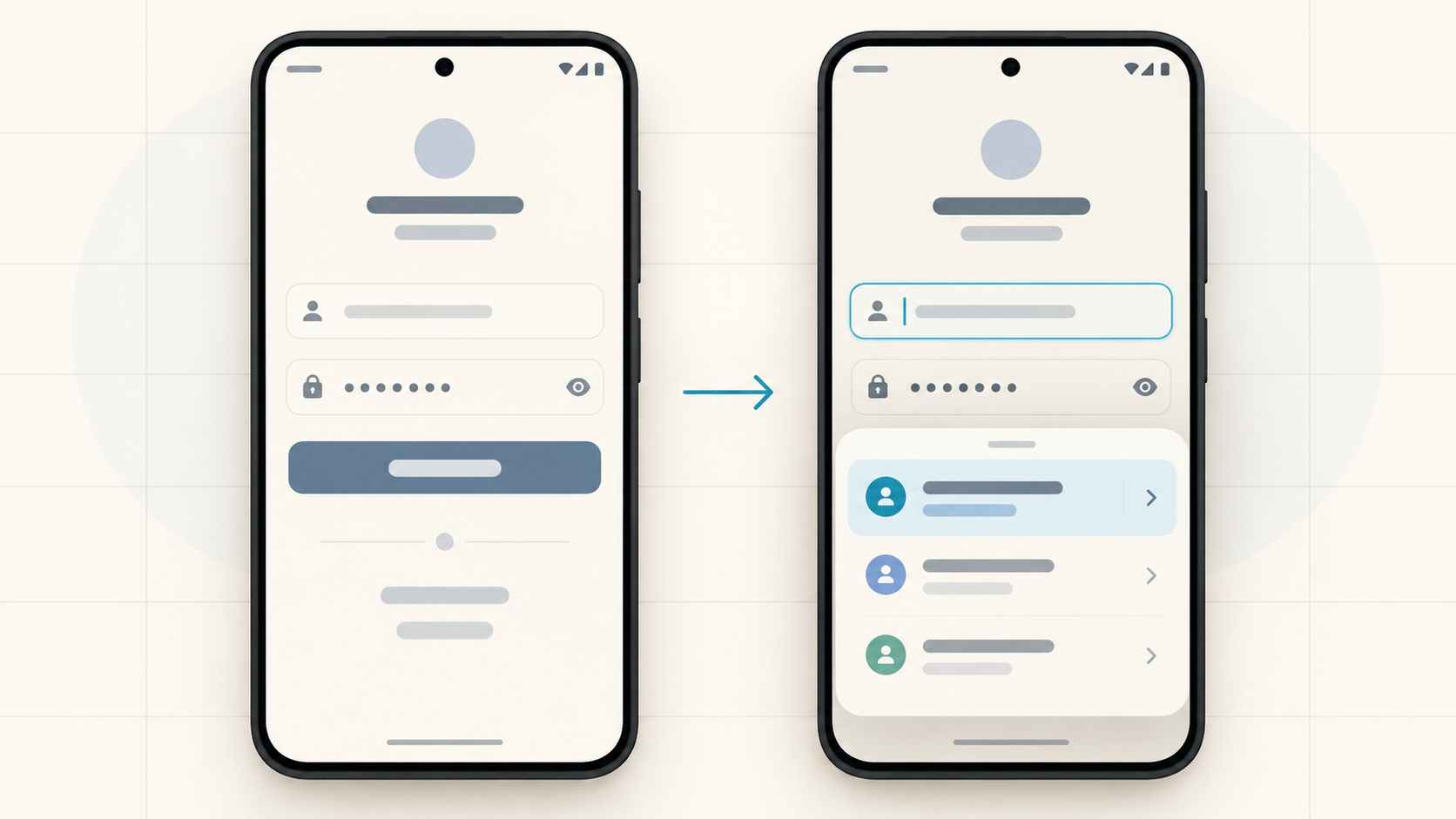
Android Autofill behaves differently across apps and websites because form structures and field identifiers are not consistent. Username and password fields may be exposed in different ways, requiring continued refinement of parsing and classification logic to avoid failed or incorrect Autofill behavior.
The product also follows a primarily local-storage model, so backup functionality must be integrated without changing the core data-storage approach. Changes in Android SDKs, database libraries, and platform APIs create additional long-term compatibility requirements.
Another challenge is integrating a native authentication component developed by another engineer. The Android application must follow the provided integration contract while handling component boundaries, request flow, parsing, and error cases without disrupting existing application behavior.
Responsibilities
My role & implementation
I have worked on the project long-term as the primary Android Developer, responsible for Android-side feature implementation, maintenance, and compatibility work.
My main responsibilities include:
- Implementing and maintaining Android Autofill, credential handling, and compatibility fixes across apps and websites.
- Implementing Google Drive backup, background scheduling, and later database and platform API integration updates.
- Integrating an existing native authentication library according to its specification, including Android/native communication, request flow, parsing, and error handling.
- Implementing PIN, account-deletion, Theme, and Startup flows; the application-side Theme and Startup approach was designed by me.
- Handling ongoing bug fixes, Android / SDK compatibility, version maintenance, and APK / AAB release preparation.
Uploading and publishing through Google Play Console is handled by another team member.
Technical Approach
Technical approach
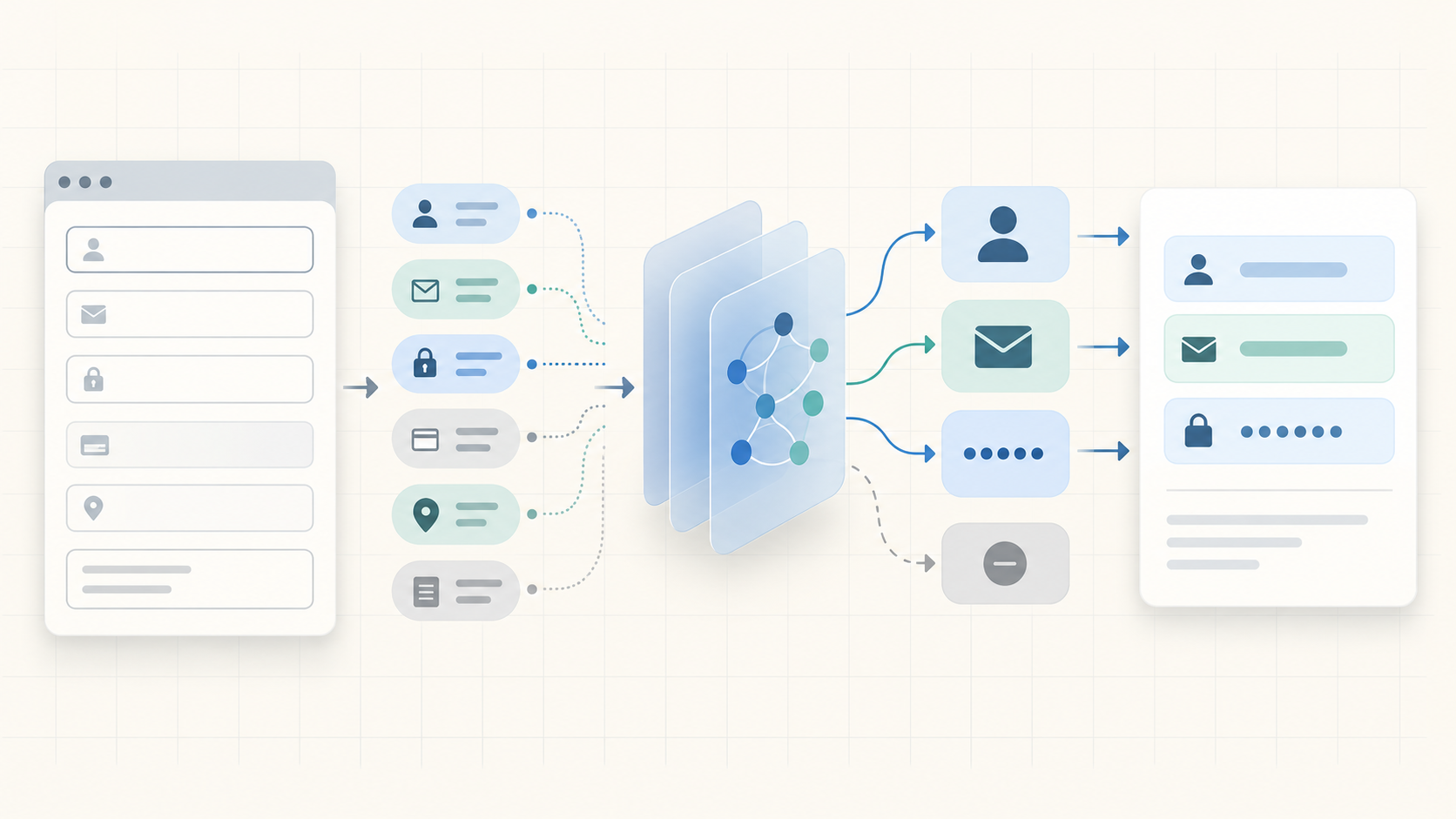
Autofill compatibility work focused on reducing reliance on fixed form structures. I continued refining field parsing and introduced more explicit semantic field classification with supporting tests to handle differences across apps and websites.
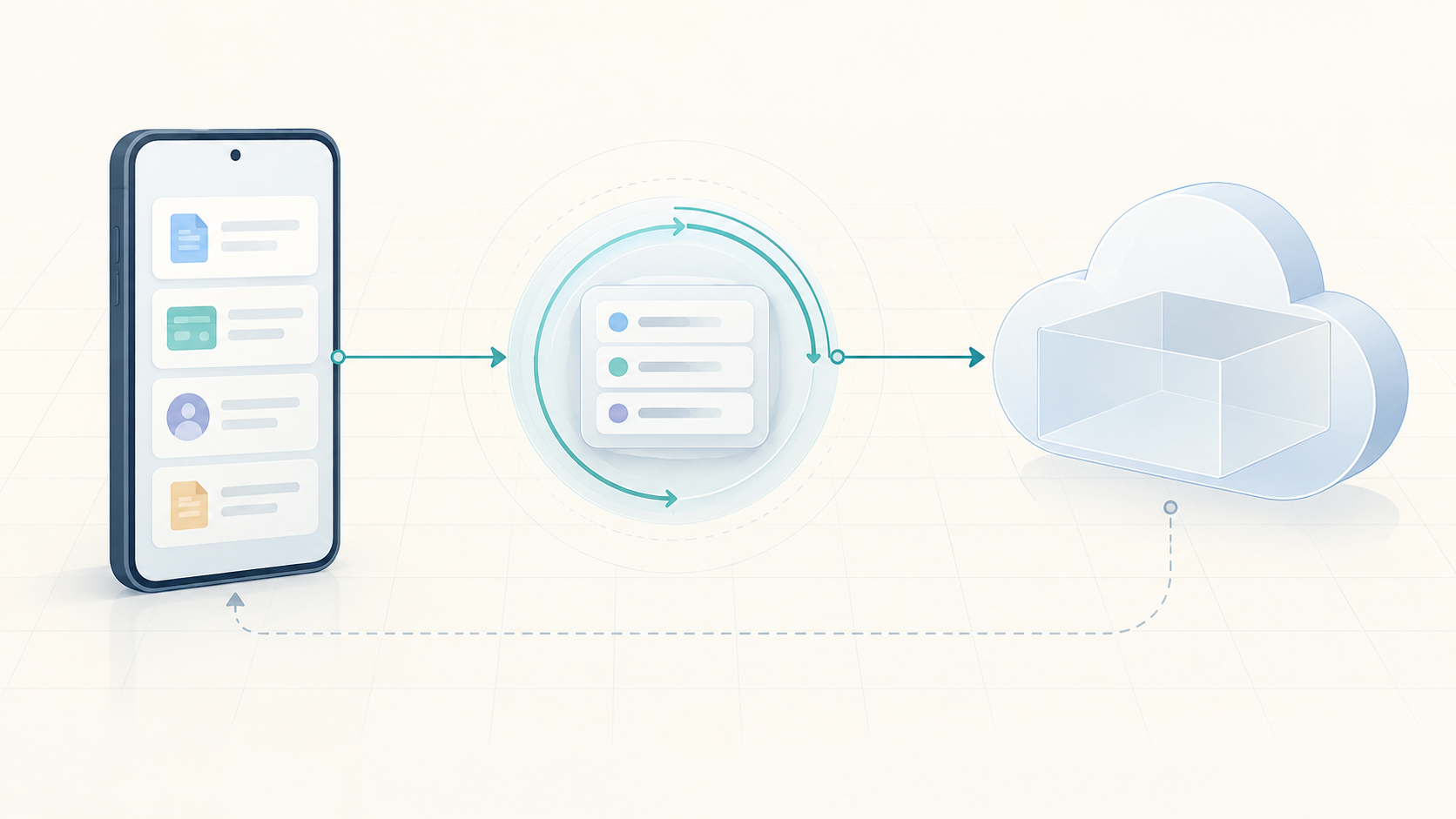
Backup functionality uses Android background-work mechanisms for one-time and scheduled operations, with the integration updated over time as database and Android platform APIs evolved.
For native integration, I connected the existing authentication library to the Android / CMake environment and handled data parsing, exceptions across the JNI boundary, and validation and dispatch of external requests. I did not design the underlying authentication mechanism or native security implementation.
PIN and account-lifecycle behavior was implemented according to product requirements with related policy tests. For Theme and Startup behavior, I designed the application-side approach, including persistent Light / Dark / System theme selection and Android startup-screen integration.
Outcome & Evidence
Outcome & evidence
I have contributed to core Android features, platform compatibility, and build maintenance over time. Identifiable author commits span February 23, 2022 to October 16, 2026. This is the observable Git activity range; it does not by itself establish the full project period or a production release.
Autofill has been one of the recurring engineering challenges. Parser, field-classification, and related logic were refined over time to handle differences in form structures and field recognition across apps and websites, with corresponding handling and tests added.
The project has also involved long-term work on data backup, native-component integration, PIN and account lifecycle behavior, Theme / Startup functionality, and compatibility with evolving Android SDK and database versions.
No verified public metrics are currently available for user count, performance improvement, crash-rate reduction, or business impact, so this case study intentionally avoids unsupported quantitative claims.
Media
Media & gallery
The gallery contains a synthetic Autofill interface mockup and concept diagrams for field classification and background backup. These are not actual product screenshots or evidence of a released interface or measured results. Any future screenshots will be anonymized and reviewed to ensure they do not reveal product names, company information, account data, internal services, or security-sensitive implementation details.
Technology
Technology tags
- Android
- Kotlin
- Autofill
- WorkManager
- SQLCipher
- JNI